
Edit an Existing Loot Case
Accessing Your Saved Cases
Open your 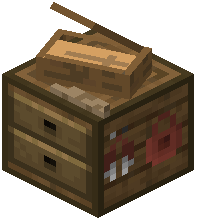 Casing Station block and look for your existing case in the menu. Unlike creating new cases, you won't need to click the plus icon—your saved cases appear in the list.
Making Changes
1. Click on the case you want to modify
2. The current loot table will display in the grid
3. Add new items by clicking them from your inventory and dragging into empty grid slots
4. Remove items by clicking them in the grid and selecting delete
5. Adjust drop chances and quantity ranges for any item by selecting it
6. Change rarity tier assignments to rebalance how often items appear
7. Close the menu to save all changes
Testing Your Changes
After editing, spawn a fresh copy of your case using /give @s recased:casename and open it to verify your changes work as intended. You can edit the same case multiple times without losing your work—changes persist in the Casing Station's memory.