
Create a Custom Loot Case from Scratch
Setting Up Your 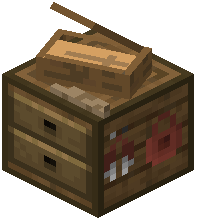 Casing Station
Place a Casing Station block in your world and open its menu. This is your workspace for designing custom reward boxes.
Building Your First Case
1. Click the plus icon to create a new case
2. Give your case a name (this will be used in commands like /give @s recased:yourname)
3. Click items from your inventory and drag them into the crate grid to add them to the loot pool
4. Select each item in the grid to configure its drop chance and quantity range
5. Adjust rarity tiers (Common, Rare, Epic, Legendary) by clicking on the item's tier indicator
6. Set the minimum and maximum drop amounts—for example, an Arrow Case might drop between 16 and 32 arrows per opening
7. Close the menu to save your custom case
Using Your Case
Once saved, use /give @s recased:yourname to spawn your custom case into your inventory. Place it in the world and open it to receive random items from your configured loot pool. Custom cases retain all item data including enchantments, potion effects, and durability values.