
Toms Trading Network Wiki › Guides › Setting Up a Vending Machine
Setting Up a Vending Machine
Setting Up a 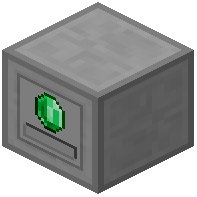 Vending Machine
Place a Vending Machine block and right-click to open its GUI. Configure one trade by selecting an item to sell and setting its price. Use the GUI options to customize your deal further.
Next, configure which sides of the block accept items and which sides dispense them. Items deposited on input sides are held for trade, while output sides release sold items and currency.
The vending machine operates in claimed chunks without needing interaction permissions, making it ideal for public shops. Once configured, other players can trade with your machine by inserting the required payment—the machine automatically exchanges it for your listed item.