
How to Use Tiny Pistons, Observers, and Note Blocks
Tiny Redstone includes miniature versions of several redstone-adjacent blocks, and they behave like their full-size counterparts but occupy a single grid cell.
Tiny Pistons
Tiny Pistons and Tiny Sticky Pistons push and pull blocks when powered. Orient them with the  Redstone Wrench so the pushing face points where you want. Because they are tiny, they are best used for compact doors, small traps, or moving a single block as part of a larger machine rather than for bulk block movement.
Tiny Observers
A 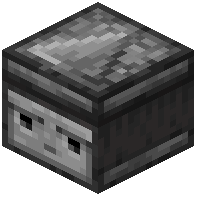 Tiny Observer detects a block update on the face it is watching and emits a pulse from its output side. Rotate it with the wrench so the detecting face touches the block you want to monitor and the output faces your circuit. Observers are the standard way to turn a physical change, like a block being placed or a crop growing, into a redstone signal.
Tiny Note Blocks
Tiny Note Blocks play a note when powered, just like normal note blocks. Right-click to cycle the pitch. They are useful for audible feedback in a circuit, such as signaling when a machine finishes a cycle.
Tips
Always confirm orientation with the wrench before powering a build, and test each component with a lever and a lamp so you know exactly which side is input and which is output.