
How to Place and Connect Tiny Redstone Dust
Tiny Redstone components are placed on the faces of blocks rather than on the ground, so the first thing to understand is that you are working on a grid that lives on a surface. To start a circuit, right-click a solid block face with  Tiny Redstone Dust in hand. The dust snaps onto that face and occupies one cell of a small internal grid.
Connecting dust together
Hold Tiny Redstone Dust and click adjacent cells on the same face to chain them. Dust only connects to dust that shares an edge within the grid, so you cannot bridge a gap by clicking a diagonal cell. If you need to cross an existing wire without connecting it, use a  Tiny Redstone Bridge in the crossing cell instead of dust.
Reading the grid
Each face of a block holds its own independent grid, so dust on the top face does not automatically talk to dust on the side face. To move a signal around a corner, run the wire to the edge and continue it on the neighboring face, or use a 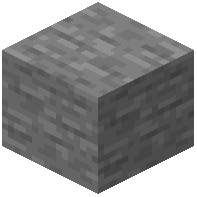 Tiny Solid Block or panel to give yourself a fresh surface to build on. If a connection looks wrong, break the offending dust with the
  Redstone Wrench and re-place it. Always test with a
 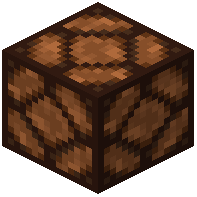 Tiny Redstone Lamp before wiring anything complicated.