
Set Up a Basic Item Transport Network
Connecting Your First Pipes
Start by placing an 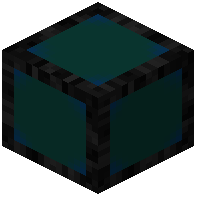 Item Pipe adjacent to an inventory (chest, furnace, etc.). Place another Item Pipe next to your destination inventory. Connect them by placing Item Pipes in a line between them. Items will automatically flow from the source to the destination at 2 items per second.
Increasing Transfer Speed
If 2 items per second is too slow, you have two options:
1. Add multiple connections: Place several Item Pipes in parallel between the same two inventories to multiply throughput.
2. Use Speed Upgrades: Craft Speed Upgrades and apply them to full-sized pipes in your network. Each upgrade increases transfer rate.
Connecting Multiple Inventories
Pipes can branch in any direction. Create junctions by placing pipes at intersections—items will distribute naturally. Use Item Filter Pipes at branch points to direct specific items to different destinations by whitelisting or blacklisting items.
Right-click an 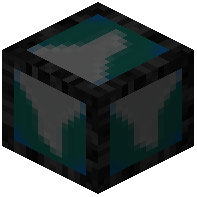 Item Filter Pipe with an empty hand to open its GUI and configure which items pass through.