
Set Up a Shared Energy Network
Create a Public Energy Channel
Tesseracts can distribute power from a central generator to multiple bases using the Energy category.
Step 1: Place a 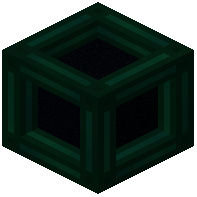 Tesseract at your main power generation facility.
Step 2: Open its GUI and select the Energy category tab.
Step 3: Click Create and name your channel (e.g., "Main Grid"). Leave it Unlocked so teammates can tap into it.
Step 4: Connect your power source (generator, battery, etc.) to the Tesseract using cables or conduits.
Distribute Power to Remote Locations
Step 5: Place additional Tesseracts at each location needing power.
Step 6: Open each remote Tesseract's GUI, select Energy, find your channel, and click Activate.
Step 7: Connect machines or batteries to the remote Tesseracts using cables.
Energy will flow instantly from the main Tesseract to all activated remote Tesseracts on the same channel. Larger Tesseracts provide higher transfer rates if your network demands more power.