
Create Multiple Independent Channels on One Tesseract
Use Separate Channels for Different Resources
A single 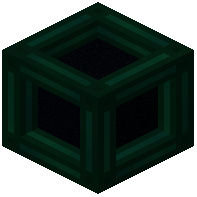 Tesseract can manage multiple channels simultaneously—one for items going to Base A, another for fluids going to Base B, and a third for energy going to Base C.
Step 1: Open your Tesseract's GUI.
Step 2: Select the Items category tab and click Create. Name it (e.g., "Base A Items") and confirm.
Step 3: Click Create again to add a second Items channel (e.g., "Base B Items"). Activate both.
Step 4: Switch to the Fluids tab and create a channel for lava or water transfers.
Step 5: Switch to the Energy tab and create a power distribution channel.
Manage Your Channels
Each category (Items, Fluids, Energy) maintains independent channels. You can have multiple active channels per category on the same Tesseract. This lets you sort different item types to different destinations, send fluids to multiple locations, or distribute power selectively—all from one block. To remove a channel, select it from the list and click Remove.