
Read and Write Data to NFC Cards and RFID Badges
Using the 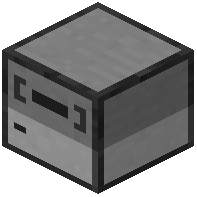 NFC Reader
The NFC Reader peripheral lets you interact with NFC cards and RFID badges for secure data storage and identification:
1. Place an NFC Reader block and connect it to a computer with cable
2. Hold an  NFC card or
  RFID badge and interact with the reader to write or read data
3. Use Lua scripts to automate reading/writing operations through the peripheral API
This is useful for access control systems, inventory tracking, or player identification in multiplayer setups.
Using RFID Scanners
For passive scanning without user interaction, use an  RFID Scanner:
1. Place the 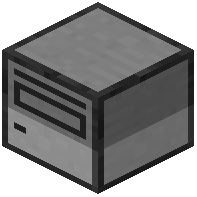 scanner in an area where players or items with badges will pass
2. The scanner automatically detects all nearby RFID badges wirelessly
3. Connect it to a computer to process the badge data via Lua
Unlike the NFC Reader, scanners require zero manual input—they continuously monitor their surroundings. This makes them ideal for automatic door systems, security checkpoints, or logging who enters a room.