
Temporal Mirror Wiki › Guides › Getting Started with Climate Control
Getting Started with Climate Control
Setting Up Your Base Climate
Temporal Mirror Mod syncs your world time to your computer  clock and adds temperature mechanics to survival. To manage your base's climate, craft and place
 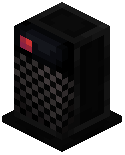 Heater and
 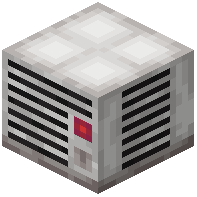 Cooler blocks to regulate ambient temperature around your shelter. Use a
  Thermostat block to monitor and adjust local conditions.
Your character has temperature resistance attributes that can be improved through special enchantments and potions. Check your Fortitude stats interface to see your current warmth and cooling resistance.
The mod also displays a seven-day weather forecast overlay on-screen, showing upcoming conditions and moon phases. Customize your display settings to track time, weather, and fortitude status however you prefer.