
Inspect Individual Books in a Chiseled Bookshelf
Seeing Books on All Six Sides
Chiseled bookshelves now render actual 3D  book models in each of their six individual slots, replacing the flat appearance with detailed spine and cover visuals.
Placing and Viewing Books
1. Craft or find a chiseled 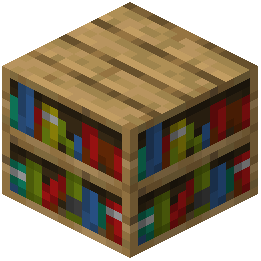 bookshelf
2. Place it in your world
3. Gather books (crafted or found in structures)
4. Right-click the bookshelf to open its inventory
5. Place one book into each of the six available slots
6. Close the inventory and view the shelf from different angles
7. Each slot now displays a distinct 3D book model with visible spine details
Design and Decoration
This enhancement transforms bookshelves from flat decorative blocks into detailed library pieces. The 3D books are visible from all six sides of the block, making bookshelves work well as room dividers or focal points in libraries and studies. Mix books with other blocks to create authentic-looking reading spaces where every book appears individually placed rather than part of a flat texture.