
How to Tell Which Textures Soartex Fanver Changes
Soartex Fanver is a vanilla retexture, so it does not add new blocks or items — it repaints existing ones. Knowing what it covers helps you spot the difference and decide whether to keep it.
What It Covers
Expect smooth, clean versions of vanilla blocks, items, plants, and other game elements. That includes wood sets like acacia, birch, and their planks, logs, leaves, saplings, signs, and boats;  stone variants such as
 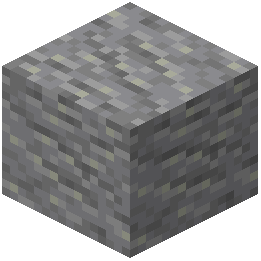 andesite; functional blocks like anvils, beacons, rails, and bells; plants like
  allium,
 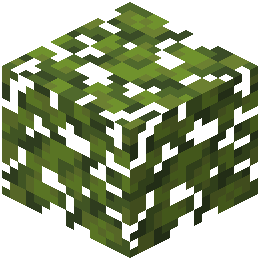 azalea leaves, and dripleaf stems; and items such as apples, arrows, dyes, and food.
How to Compare
Place a default-texture world beside a Soartex one, or toggle the pack off and on while standing still. Look at edges and shading: Soartex tends to look smoother and less noisy than vanilla pixel art.
Spotting Gaps
If a block still looks like default pixel art, that texture may not be included yet. Note it and check whether a companion pack fills the gap. Because the pack only retextures, any block you place behaves exactly as in vanilla.