
Get the Best Look from 3D Blocks and Depth Effects
Understanding 3D Blocks
Soartex Fantastik uses parallax and normal mapping to create depth on flat surfaces. 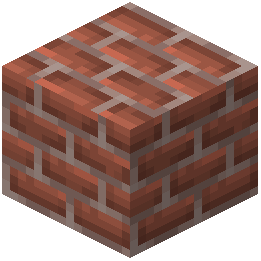 Bricks appear recessed, wood shows grain, and
  stone looks carved—without actual 3D geometry.
Viewing Conditions
1. Use a shader pack for full effect. Normal maps and parallax mapping only display with shader support. Without one, blocks look standard.
2. Adjust lighting angle: The depth effect is most visible when  light comes from the side. Build during daytime or use artificial light at angles.
3. View from medium distance. Stand 5–15 blocks away from detailed surfaces. Up close, the illusion breaks; too far, details blur.
4. Increase shader resolution if available. Higher resolution makes depth mapping more precise.
Blocks to Showcase
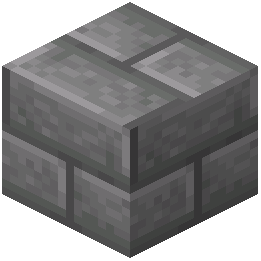 Stone bricks,
 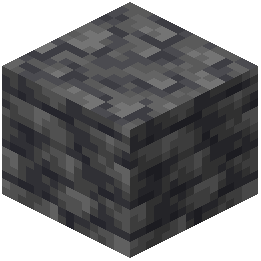 deepslate, copper, and wooden planks show the most dramatic depth. Stairs and slabs emphasize the 3D effect because their geometry already creates shadows that complement the texture mapping.