
Combine Smooth Glass with Other Resource Packs
Layering Resource Packs
Smooth 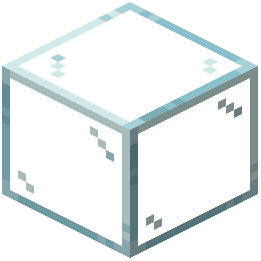 Glass works best when combined with other packs that share a similar aesthetic. Since this pack only modifies glass textures, you can stack it with packs that change other blocks, mobs, or UI elements without conflicts.
How to Layer Packs
1. Open your resource packs folder in your Minecraft directory
2. Place the Smooth Glass pack in the folder alongside your other packs
3. In Minecraft, go to Options > Resource Packs
4. Drag Smooth Glass to the right side (active packs)
5. Order matters: place Smooth Glass *above* packs you want it to override, or *below* if you want other packs' glass to take priority
6. Test by placing glass blocks and checking the transparency and edge opacity
Recommended Combinations
Smooth Glass pairs well with modern, minimalist, and clean aesthetic packs. It also works with packs focused on improving visibility and reducing visual clutter. Avoid stacking it with packs that heavily modify glass appearance, as they may conflict.
If you're unsure about the order, start with Smooth Glass at the top and adjust downward if needed.