
Smart Back Packs Wiki › Guides › Enable Item Magnet to Auto-Collect Drops
Enable Item Magnet to Auto-Collect Drops
Craft or Obtain a 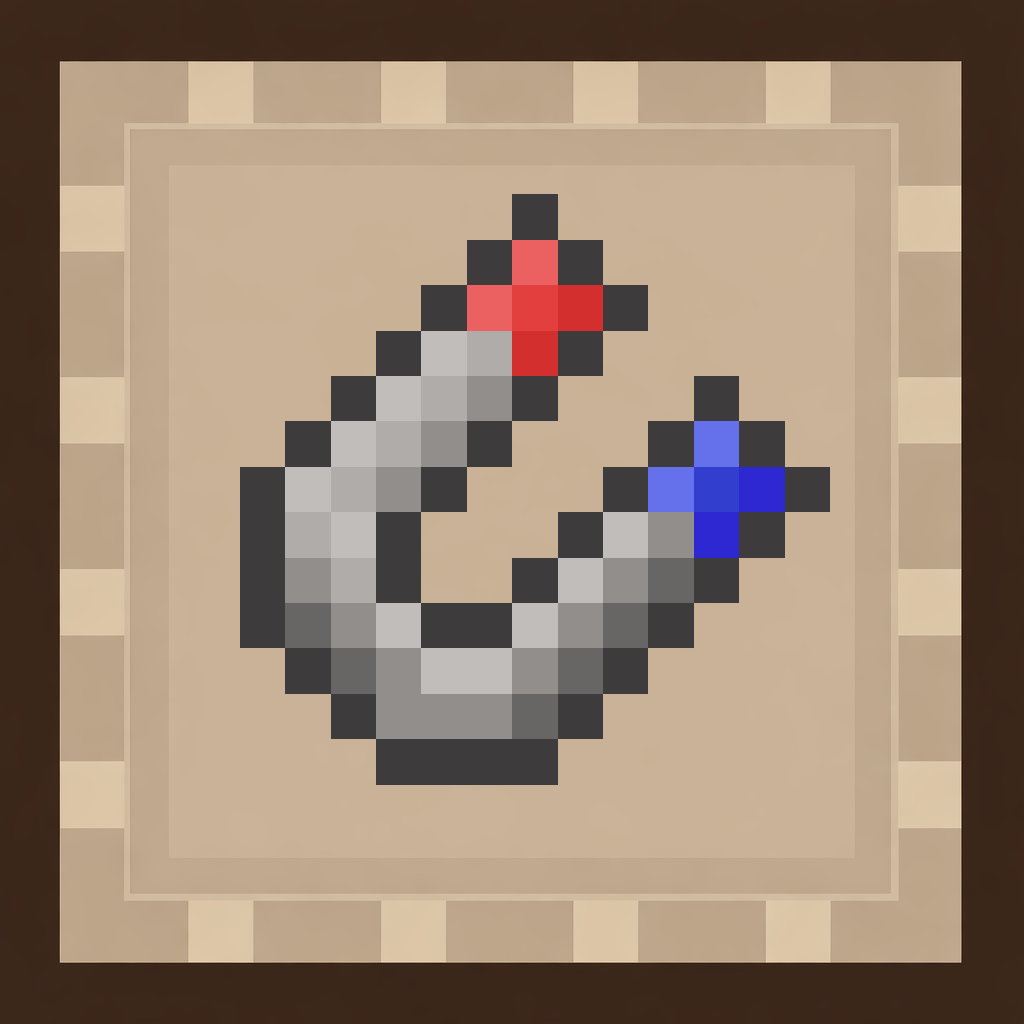 Magnet Upgrade
The magnet upgrade pulls dropped items directly into your backpack without you having to pick them up manually. This is essential for efficient mining and combat.
Install the Magnet
1. Open your backpack's upgrade menu
2. Insert the magnet upgrade into any available upgrade slot
3. The magnet activates immediately and begins pulling nearby drops
Optimize Your Setup
- Wear your backpack on your back for the magnet to work while you explore
- The magnet has a limited range — stay reasonably close to dropped items for collection
- Combine the magnet with a trash or
 void upgrade to automatically destroy unwanted blocks and items
 - Higher-tier bags have more upgrade slots, letting you run magnet plus other utilities simultaneously
Troubleshooting
If items aren't being collected, check that:
- Your backpack has available inventory space
- The magnet upgrade is actually installed in the upgrade menu
- You're within the magnet's effective range