
Customize Crate Loot Tables
Accessing Loot Tables
The mod allows you to edit what items appear in each crate type by modifying loot table files. These are typically located in the mod's data folder within your world or config directory. Look for JSON files associated with 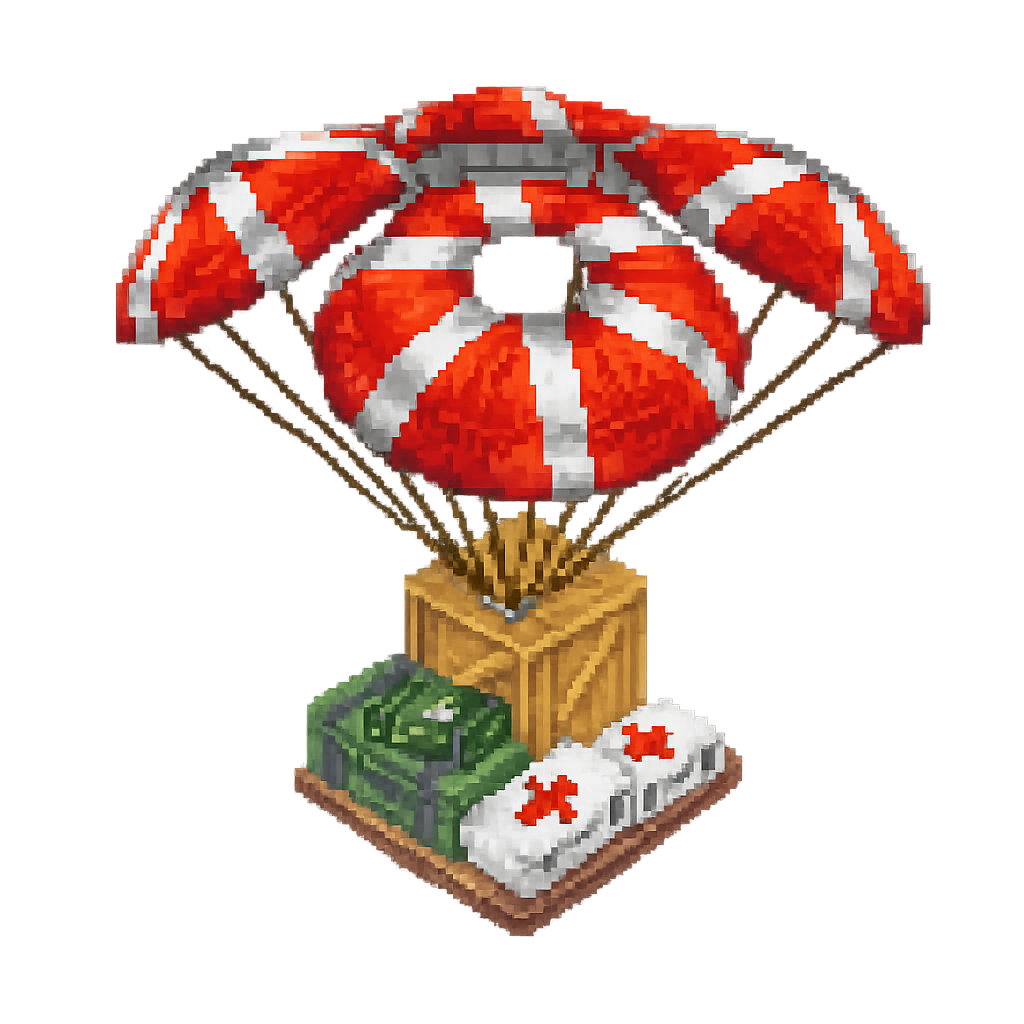 airdrop crates.
Editing Crate Contents
1. Locate the loot table files for each crate type ( wooden crate, medical crate, etc.)
2. Open the JSON file in a text editor
3. Find the item entries and modify them to suit your needs
4. Adjust weights or probabilities if the file structure supports it
5. Save the file and reload your world
Tips for Customization
Before editing, back up the original files. Start with small changes to understand the file structure. Add valuable items for late-game crates or survival-focused items for early drops. You can create themed crates by grouping related items together. Test your changes in-game to ensure items spawn correctly and the loot feels balanced for your gameplay style.