
Call for an Airdrop Using the Radio Controller
Crafting the  Radio Controller
The radio controller is your primary tool for summoning supply crates on demand. Craft it using the mod's recipe—check your crafting menu for the required materials. Once crafted, keep it in your inventory.
Activating an 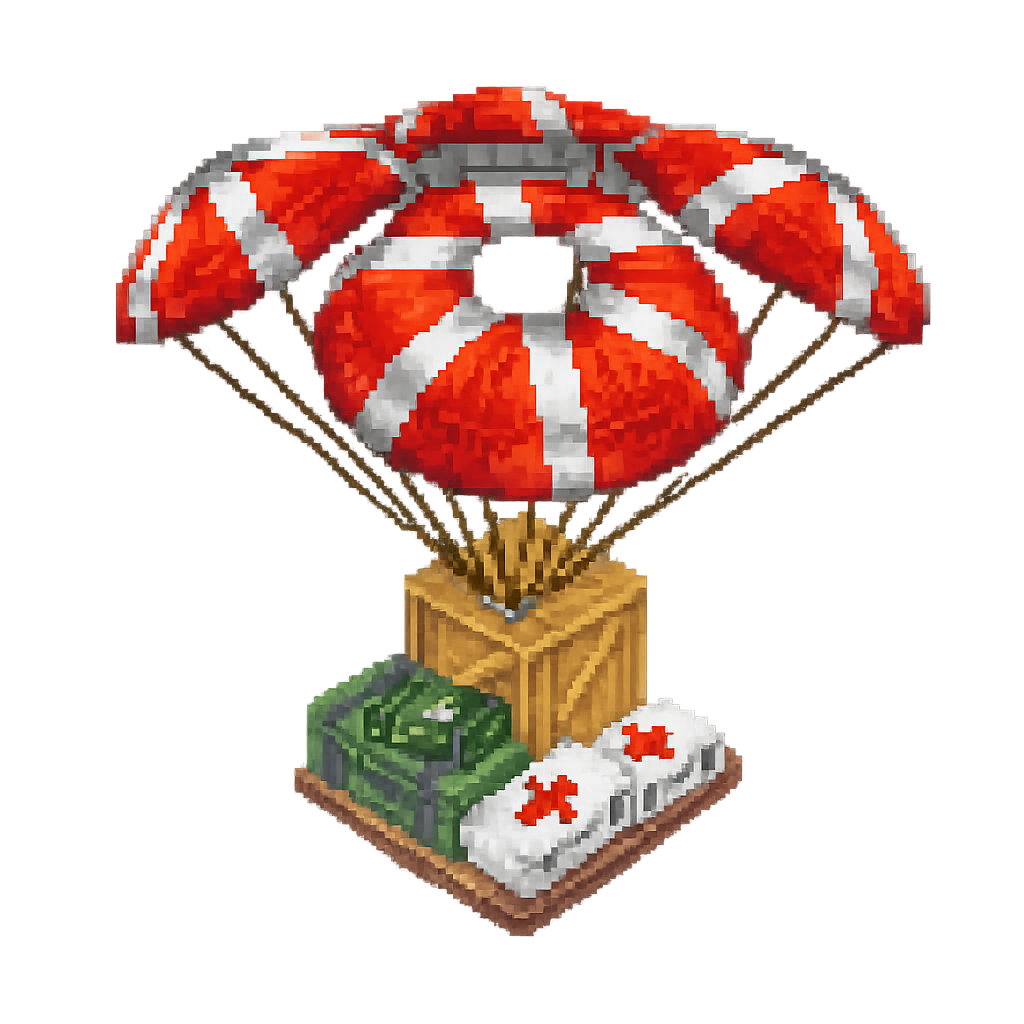 Airdrop
1. Hold the radio controller in your hand
2. Right-click to activate the signal
3. Look up at the sky—a crate will begin falling toward your location
4. Move to a safe, open area if needed; the crate will land where it falls
5.
6. Open the crate to collect your loot
Tips
Radio controllers have a cooldown between uses, so you cannot spam airdrops. Use them strategically when you need supplies urgently. The crate will fall straight down from above, so ensure you're not directly under trees or structures that might block it. Open areas like plains or beaches work best for easy retrieval.