
Make Your World Look Less Repetitive with Block Variations
Understanding Block Variation
Simplecraft X16 automatically generates subtle visual differences across identical blocks so your terrain, buildings, and structures feel more natural and less like a tiled pattern. This happens without any configuration needed on your part.
How to See the Effect
1. Build with natural blocks — Place  grass blocks,
 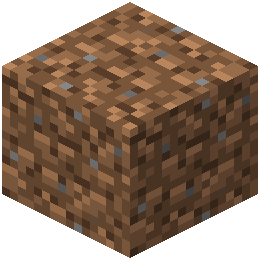 dirt,
dirt,  stone, or wood in large quantities. Look closely and you'll notice slight color and texture shifts between adjacent blocks of the same type.
2. Compare before and after — Switch between Simplecraft X16 and vanilla textures to see how the pack breaks up visual repetition. The difference is most obvious on large flat surfaces like fields or castle walls.
3. Combine with shaders — Enable a shader pack alongside Simplecraft X16 for even more depth. The soft colors work especially well with lighting effects, making block variations pop visually.
Best Practices
- Use varied block types in your builds (mix stone variants, wood types, and decorative blocks) to enhance the natural feel.
- The variation effect works best when viewed from a distance or in wide landscapes.
- This feature is always active and requires no tweaking — it's part of the pack's core design.