
How to Uncraft Items and Recover Resources
Opening the 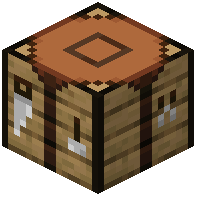 Uncrafting Table
Place the Uncrafting Table block in your world. Right-click it to open the GUI. The interface works similarly to a crafting table but in reverse.
Uncrafting an Item
1. Place the item you want to uncraft into the input slot
2. The table will display what resources you'll receive and the experience level cost
3. Confirm you have enough levels (experience points are not consumed by default, but levels are)
4. Click the output to uncraft the item
5. Collect your resources from the output slots
Important Notes
Not all items can be uncrafted—only items with valid recipes in the mod's database are supported. Complex or modded items may not uncraft. The experience cost scales with the item's complexity and material value. If you're concerned about losing too many levels, test with cheaper items first or adjust mod settings if available.