
Set Up Your First Radio Transmitter and Receiver
Gather Your Materials
Craft or obtain  radio blocks, a
 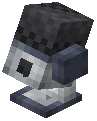 microphone block, and
  copper wire. You'll also need an
  antenna to boost signal range. Place these items near each other—the microphone captures nearby voices, while the radio block receives and plays audio on a tuned frequency.
Configure Your Frequency
Access the 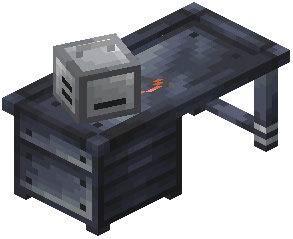 Radiosmithing Station and set both your
 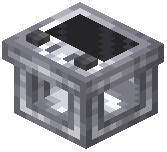 transmitter (microphone) and
 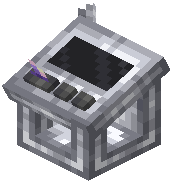 receiver (radio block) to the same frequency. This is crucial—mismatched frequencies mean no communication. You can choose between FM and AM transmission types; FM generally provides better audio quality over shorter distances, while AM travels farther but with reduced clarity.
Optimize Your Range
Attach an antenna to both your transmitter and receiver blocks to extend their signal reach. The antenna significantly increases how far your radio signal can travel. Position blocks in open areas when possible, as obstacles reduce effective range.
Test Your Setup
Have a friend stand near the microphone block and speak. The radio block should pick up their voice if everything is configured correctly. Adjust volume levels using the radio interface if the audio is too quiet or loud.