
Customize Your Handheld Radio at the Radiosmithing Station
Access the 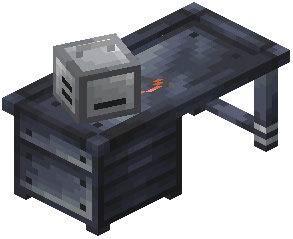 Radiosmithing Station
Place the Radiosmithing Station block and open its interface. This is where you tune and modify your handheld  radio's settings for personalized communication.
Select Your Transmission Type
Choose between FM and AM transmission. FM offers clearer audio but shorter range, making it ideal for coordinating with nearby teammates. AM sacrifices some clarity for extended distance, useful for long-range base-to-base communication.
Set Your Frequency
Input the frequency you want your handheld radio to use. Make sure this matches the frequency of any radio blocks or other handheld radios you want to communicate with. Different frequencies create isolated channels—only devices on the same frequency can hear each other.
Fine-Tune Audio Settings
Adjust volume levels and other audio parameters to suit your preferences. Test your radio by holding it and speaking while a friend listens on a 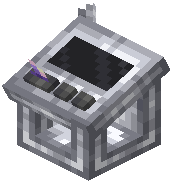 receiver tuned to the same frequency.
Carry and Use
Once configured, keep your handheld radio in your inventory. You can transmit voice whenever you're holding it and speaking near a  microphone or using voice chat.