
Create a Multi-Frequency Radio Network for Your Base
Plan Your Frequency Layout
Decide which areas of your base need communication. Assign different frequencies to different zones—for example, one frequency for the main base, another for the mining operation, and a third for the farm. This prevents audio overlap and lets players tune into only the channels they need.
Set Up Zone Transmitters
Place a  microphone block and
  radio block in each area, configured to the same frequency. Add antennas to extend range between zones. The microphone captures local voices; the radio block receives transmissions from that frequency.
Distribute Handheld Radios
Craft multiple handheld radios and customize each one at the 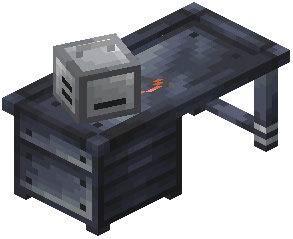 Radiosmithing Station to a specific frequency. Give players radios tuned to their work area's frequency, or provide multi-frequency radios if players need to monitor multiple zones.
Test Connectivity
Have team members test communication between zones. Verify that voices transmit clearly and that frequency separation prevents unwanted audio bleed. Adjust  antenna placement or add additional transmitters if dead zones appear.
Expand as Needed
As your base grows, add new frequencies and zones. Keep a written record of which frequency serves which area to avoid confusion.