
Simple Missles Wiki › Guides › Setting Up Your First Missile Launch
Setting Up Your First Missile Launch
Getting Started
Place a Missile 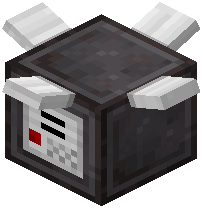 Launch Pad block on the ground and right-click it to open the menu. You'll need to enter the X and Z coordinates of your target location. Load your chosen missile type into the pad—options include TNT for standard explosions, Napalm for fire spread, Cluster for multiple impacts, EMP for electronics, or Omega for massive area destruction.
Once configured, apply a redstone signal to fire. You can trigger launches remotely by connecting redstone, making automated strikes possible. Use the included  binoculars and
  player locator tool to scout targets and gather coordinates before setup. Each missile type creates different effects at impact, so choose based on your objective.