
Set Up and Fire Your First Catapult
Craft and Place Your Catapult
Start by accessing the 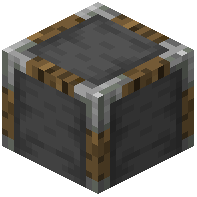 Siege Table to craft a catapult. Once you have one, place it on flat ground where you have a clear line of sight to your target. The catapult needs space around it to rotate and aim.
Load and Aim
Stand behind or beside the catapult and hold Right-Click to see the aiming line—this shows exactly where your projectile will land. Use W, A, S, and D to rotate the catapult and adjust your aim. The line updates in real-time as you move, helping you predict the arc of your shot.
Fire Your Shot
Once you're satisfied with your aim, press Space to load and fire the catapult. The projectile will follow the trajectory shown by the aiming line. Different projectile types (cobblestone, fire pots, explosive pots) have different effects on impact, so choose your ammunition based on your target.