
Create and Dye Your First Mosaic Tile
Crafting Your Blank Tile
Start by gathering diorite and glass blocks. Combine one diorite with one glass in your crafting grid to create a blank 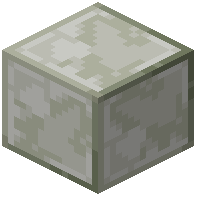 mosaic block. You can make multiple blanks at once by scaling up the recipe.
Selecting a Pattern
Place your blank mosaic block into a stonecutter. The stonecutter interface will show all 16 available patterns. Click the pattern you want—each offers a different decorative design. Take the patterned block from the output slot.
Placing and Dyeing
Place your patterned block where you want it in your build. Hold any dye color and right-click the placed block to apply the color. The dye will color the pattern on your tile.
Understanding Dye Consumption
Each right-click has a chance to consume the dye from your hand. By default, this is a 20% consumption rate, meaning most applications won't use up your dye. You can adjust this percentage using gamerules if you want dye to be consumed more or less frequently.