
Building Clean Brick Pillars with Distinct Top Textures
Stack Your 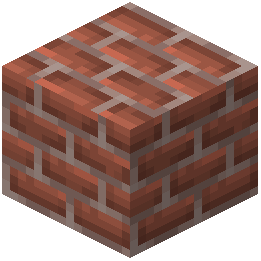 Bricks Vertically
To showcase the resource pack's column-style textures, stack brick blocks vertically to create pillars. The pack applies unique top textures to every brick type, so pillars will display a noticeably different pattern on the upper surface compared to the flat sides.
Steps:
1. Choose your brick type (Stone Bricks, 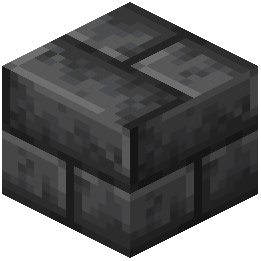 Deepslate Bricks,
 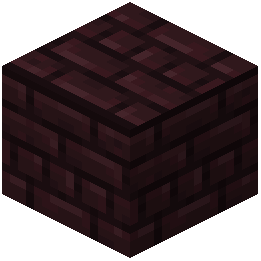 Nether Bricks, etc.)
2. Place blocks in a vertical line to form a pillar
3. View from above and from the side to see how the top texture contrasts with the side faces
4. Combine different brick types in the same structure—the distinct top patterns will help each layer stand out
Mixing Brick Variants for Visual Interest
The pack supports multiple variants of each brick family. Stack Cracked Stone Bricks above regular Stone Bricks, or alternate Polished Deepslate Bricks with 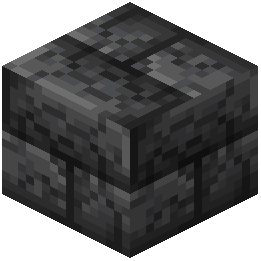 Cracked Deepslate Bricks. The separate top textures on each variant create natural visual breaks between layers, making tall structures feel less monotonous.
This works especially well for towers, columns in buildings, and decorative pillars where you want clean lines and clear definition between sections.