
Design a Village or Town in Creative Mode
Planning Your Layout
Quadral Pack excels at making clean, readable towns because the simplified textures don't overwhelm the eye. Start by sketching your village layout—mark where houses, paths, and communal buildings will go. The pack's bright colors make it easy to distinguish different building types at a glance, so use color coding: wooden buildings in one area,  stone structures in another.
Building Individual Structures
Construct houses using the pack's clean wood and stone blocks. The simplified textures mean you don't need complex roofing patterns to make buildings look good—simple pitched roofs with solid colors work beautifully. Add windows and doors to break up walls. The pack's crisp block designs make even basic rectangular houses feel intentional and charming.
Connecting Everything
Create paths between buildings using 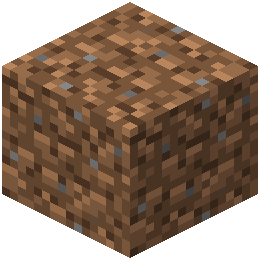 dirt or stone blocks. Quadral Pack's smooth terrain textures make pathways feel natural without looking cluttered. Add small details like gardens, wells, or campfires in open spaces. The pack's bright aesthetic means these small touches are immediately visible and contribute to the village's cheerful atmosphere.
Finishing Your Town
Step back frequently to see how your buildings relate to each other. The pack's clean style rewards thoughtful spacing and composition over intricate detail work.