
Project Red Fabrication Wiki › Guides › Setting Up a Fabrication Line: Lithography Table vs Packaging Table
Setting Up a Fabrication Line: Lithography Table vs Packaging Table
Two machines, two jobs
The 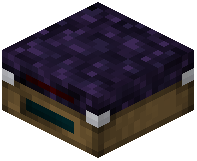 Lithography Table and the
 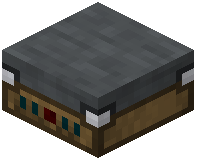 Packaging Table are not interchangeable. The Lithography Table handles the front half of the process — taking a
  Rough Silicon Wafer and a photomask and etching a circuit pattern onto it. The Packaging Table handles the back half — taking a finished
  Valid Die and sealing it into a
  Fabricated Gate you can actually place in the world.
Laying out the line
1. Put the Lithography Table first. Feed it Rough Silicon Wafers and Blank Photomasks.
2. Route the patterned wafers to the 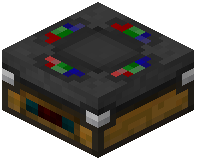 Plotting Table /
  IC Workbench to extract dies. Sort Valid Dies from Invalid Dies.
3. Feed Valid Dies into the Packaging Table. Output is your Fabricated Gate.
4. Keep the IC Workbench nearby — it is where you assemble blueprints and manage the die-to-gate step.
Throughput advice
- Buffer wafers between the Lithography Table and the die-extraction step so the lithography table never idles.
- Do not feed Invalid Dies into the Packaging Table; they will not become gates.
- If you are producing many gate types, dedicate one Lithography Table per photomask pattern rather than swapping masks constantly.