
How to Craft an IC in Project Red Fabrication (Start to Finish)
Gather the core materials
You need silicon wafers, photomasks, and the two machines that do the actual work: the 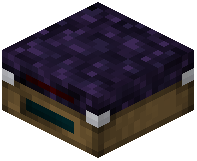 Lithography Table and the
 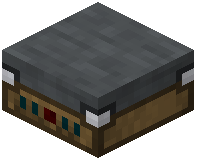 Packaging Table. Start by producing a
  Rough Silicon Wafer. Place it into the Lithography Table together with a
  Blank Photomask so the table can etch a circuit pattern onto the wafer.
Etch, cut, and package
1. Put a Blank Photomask and a Rough Silicon Wafer into the Lithography Table. The table writes the pattern and outputs a wafer with a die on it.
2. Move that wafer to the 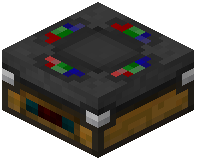 Plotting Table (or the
  IC Workbench, depending on which step you are on) to separate the die from the wafer. You will get either a
  Valid Die or an
  Invalid Die. Invalid dies are waste; valid dies are what you actually want.
3. Take a Valid Die and place it into the Packaging Table. The Packaging Table wraps the die into a finished  Fabricated Gate — the usable integrated circuit you slot into your redstone builds.
Why you keep getting Invalid Dies
Invalid Dies come from a mismatch between the photomask pattern and the wafer, or from reusing a worn photomask. Check that your  Photomask Set matches the gate you are trying to make, and swap in a fresh Blank Photomask if the yield drops. Once you have a Valid Die, the Packaging Table converts it reliably.