
Fixing Invalid Dies and Other Common Project Red Fabrication Problems
You keep getting Invalid Dies
Invalid Dies are the mod's way of telling you something upstream is wrong. The three usual causes are: a photomask that does not match the gate you are trying to build, a degraded or reused mask, or a wafer that was not properly prepared. Check the photomask first — swap in a fresh  Blank Photomask and re-etch. If the yield recovers, the old mask was the problem.
Nothing comes out of the 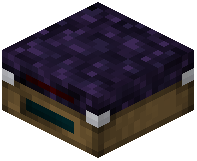 Lithography Table
Make sure both inputs are present: a  Rough Silicon Wafer and a photomask. The table will not run on wafers alone. If you have both and it still stalls, confirm the mask is patterned and not still blank.
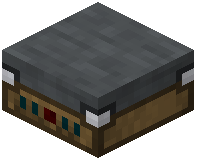 Packaging Table will not accept your die
Only Valid Dies can be packaged into Fabricated Gates. If the table rejects your input, you are almost certainly holding an  Invalid Die. Send those to storage or void them and re-run the lithography step.
General troubleshooting order
1. Photomask correct and patterned?
2. Wafer present and rough (not already etched)?
3. Die valid?
4. Machine powered / connected to your redstone or power source?
Work top to bottom and you will find the broken link fast.