
Set Up a Farm or Crop Field with Clear Textures
Why Farms Look Better
Prime's HD Textures transforms crops and 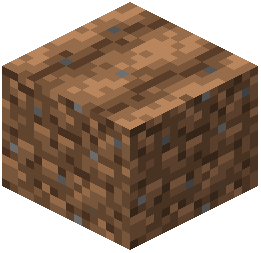 farmland into crisp, detailed visuals. Wheat, carrots, and other plants gain individual leaf definition, making organized farms visually satisfying and easier to manage.
Building Your Farm
1. Clear a flat area and prepare farmland blocks
2. Plant your crops in organized rows—the HD textures make patterns more visible
3. Add water channels; water reflects realistically with shaders enabled
4. Place decorative blocks like fences or beehives nearby to frame the space
Lighting and Visibility
Farms benefit from natural daylight, but adding lanterns or torches improves texture visibility during evening play. The pack's detailed crop textures are most impressive in good lighting conditions.
Shader Enhancement
With BSL Shaders and Advanced Materials active, crops cast realistic shadows and water surfaces shimmer. Foliage gains depth and individual plant strands become visible. This makes even simple farms look polished and intentional.
Consider building your farm near cherry blossom forests or other scenic biomes—the combination of detailed crops and environmental textures creates beautiful, cohesive landscapes.