
Explore Caves and Ores with Enhanced Visuals
Why Caves Look Different
Prime's HD Textures upgrades ore blocks with vibrant, detailed textures. Combined with shaders, cave exploration becomes visually striking—glowing orange ores stand out against  stone, and small details like cave flowers gain definition.
Preparing for Cave Exploration
1. Ensure shaders are active with Advanced Materials enabled
2. Bring adequate lighting (torches, lanterns, or light blocks)
3. Use a resource pack-compatible texture filter in video settings for crisp visuals
What to Look For
As you mine, notice how each ore type has distinct coloring and shine:
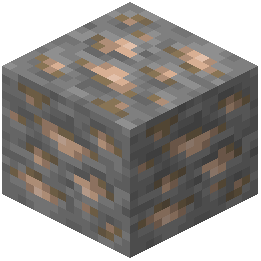 Iron ore displays metallic texture detail
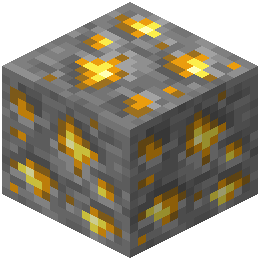 Gold ore glows warmly under shader lighting
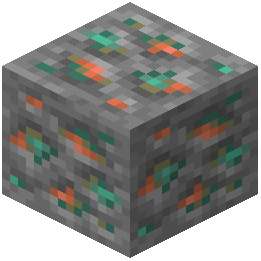 Copper ore shows realistic oxidation patterns
- Glowing ores (like redstone and lapis) emit realistic light
Small environmental details—white flowers on cave floors, water reflections, and stone variations—become much more visible with the HD textures. Take time to observe these details; they make cave systems feel more alive and immersive than vanilla exploration.