
Persona Craft Enhancer Wiki › Guides › Getting Started with Roleplay Blocks and Items
Getting Started with Roleplay Blocks and Items
Setting Up Your Roleplay Town
Start by placing functional blocks like bank terminals and storage containers in your town. Equip job uniforms and accessories by placing them in your armor slots to adopt a role like police officer, firefighter, judge, or builder.
To use the bank terminal, hold a 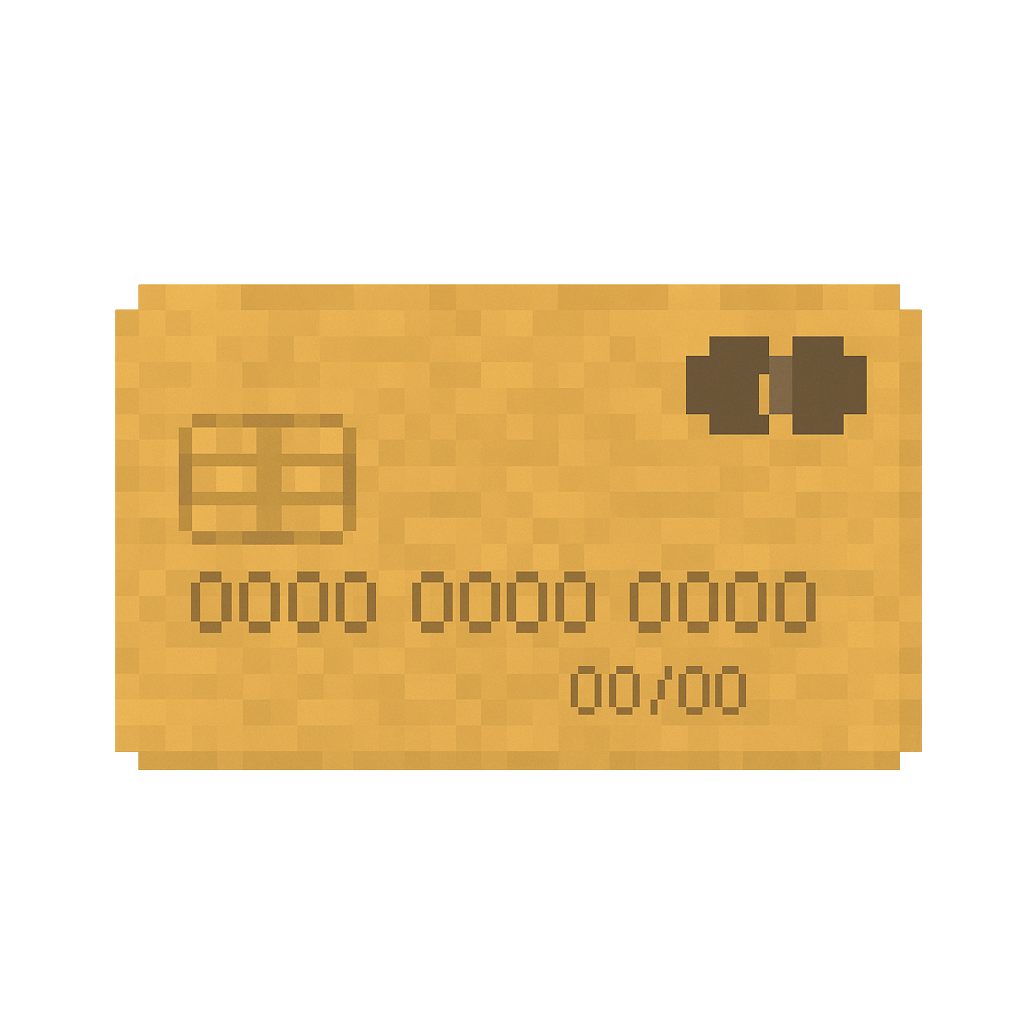 credit card item in your main hand and right-click the terminal block to open your account screen. For storage, right-click crates or packages to pack and store goods inside them. Secure vaults can be accessed using a keypad interface where you enter a code.
These blocks and items work best on multiplayer servers where multiple players can interact with the same town structures, enabling cooperative roleplay scenarios and shared town management.