
Add Grass Details and Plant Edges to Ground Surfaces
Enhancing Ground-Level Details
Ground blocks can look flat and plain even with improved textures. Adding subtle surface details makes terrain feel more alive and textured.
Using the Overlay Add-on
Enable the OdarIs Overlay add-on pack. This applies tiny grass tufts, small plant edges, and fine surface details to 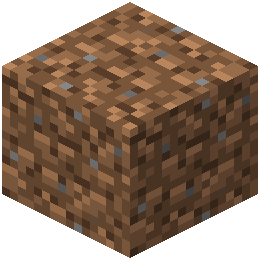 dirt, grass, and earth blocks. The details are subtle enough to avoid visual clutter but noticeable enough to add depth.
What You'll Notice
Grass blocks gain fine blade textures and small plant growth at edges. Dirt surfaces show more organic variation. These details are especially visible when standing close to blocks or in bright sunlight.
Stacking with Random Blocks
For best results, use OdarIs Overlay together with OdarIs Random Blocks. The overlay adds fine detail to each randomized block variant, creating rich, varied ground textures that feel natural and lived-in without overwhelming the visual design.