
Batch Process Multiple Wood Types
Switching Between Wood Types
The 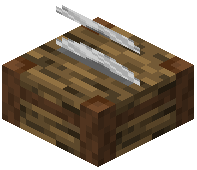 Woodcutter dynamically updates its recipe list based on the log you insert. This makes it ideal for processing different wood types in sequence.
Workflow
1. Insert one log of your first wood type (e.g., oak)
2. Craft all the components you need from that wood
3. Remove any remaining logs and insert a different wood type (e.g., birch)
4. The available recipes instantly update to match the new wood
5. Repeat as needed
Pro Tip
Keep stacks of different logs nearby in chests or hoppers. This lets you quickly swap wood types without traveling back to your tree farm. If you're building with multiple wood colors, the Woodcutter eliminates the need to manually craft each type separately in your crafting grid—everything happens in one place with a single click per recipe.