
Set Up Commuter Passes for Regular Travelers
Purchase a 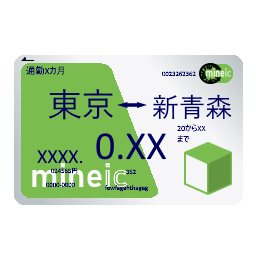 Commuter Pass
Interact with a 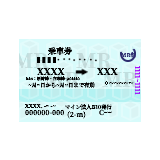 ticket machine and select the commuter pass option. Choose your desired route (two stations) and pass duration. The machine will calculate the price based on your fare table and issue the pass.
Understand Pass Validity
Commuter passes grant unlimited travel between your selected station pair for a set time period. Each time you tap in at an entry 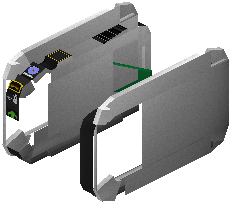 gate and out at an exit gate using the pass, it validates your journey without deducting additional fare.
Use Your Pass at Gates
Approach entry and exit gates normally while holding your commuter pass. The gates will recognize it as a valid travel document and open automatically. The pass remains in your inventory after each use.
Renew When Expired
Once your pass duration ends, it becomes invalid. Return to the ticket machine to purchase a new commuter pass for the same route or a different one. Check your pass details at any machine to see remaining validity time.