
Install and Link Entry and Exit Gates to Your Station
Place Gates at Station Boundaries
Position entry gates near your station entrance and exit gates at the exit point. These blocks will control passenger flow and validate tickets.
Configure Each 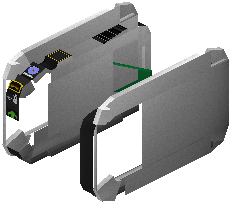 Gate with the Setup
  Wrench
Hold your setup wrench and Sneak + Right Click each gate. Assign it to the correct railway line and select its mode: Entry Gate (validates tickets on arrival), Exit Gate (collects tickets on departure), or 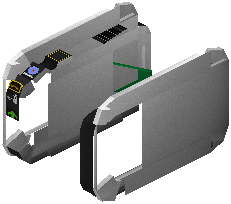 Transfer Gate (checks multi-line journey order).
Link Gates to Your 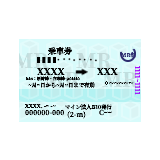 Ticket Machine Network
Ensure all gates reference the same network preset you created in your ticket machine setup. This allows the gates to recognize tickets and smart cards sold by your machines.
Test Gate Operations
Buy a ticket from your machine and approach an entry gate. The gate should open and return your ticket. Exit through an exit gate—it should validate your destination and collect the ticket. If gates don't respond, double-check that line and station assignments match your machine configuration.