
Create and Use Smart IC Cards for Stored-Value Travel
Purchase a Smart Card from the 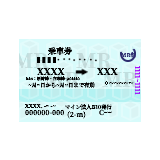 Ticket Machine
Interact with a configured ticket machine and select the smart card option from the menu. Choose your card type and complete the purchase. The card will be added to your inventory.
Charge Your Card with Fare Balance
Return to the ticket machine and select the option to add funds to your smart card. Specify the amount you wish to load. This balance will be automatically deducted each time you tap in and out at IC gates.
Tap In and Out at IC Gates
Approach an 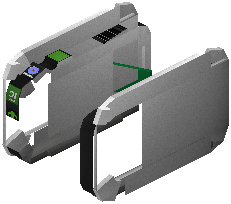 IC Gate (designed to accept smart cards only) and interact with it while holding your charged card. The
 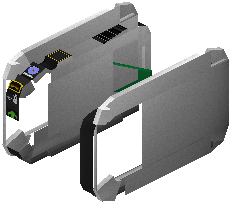 gate will read the card, deduct the appropriate fare, and open. Repeat this process at your exit gate.
Monitor Your Balance
You can check your remaining balance by interacting with any ticket machine. If your card runs low, return to a machine to add more funds before your balance reaches zero.