
Customize Stair Textures with Resource Packs
How Texture Sourcing Works
More Beautiful Stairs pulls textures directly from the blocks you convert. This means the stairs automatically match your source block's appearance, even if you're using a resource pack that changes textures.
Apply Your Resource Pack
Install any resource pack you prefer through your resource pack folder. The mod will respect the textures defined in your pack. When you craft stairs from a block, those stairs will display using the resource pack's version of that block's texture.
Create Cohesive Builds
This flexibility lets you maintain visual consistency across your entire build. If your resource pack changes how stone looks, your 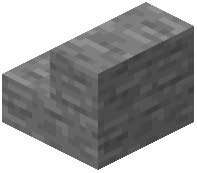 stone stairs update automatically. You can layer different resource packs or create custom ones to achieve exactly the aesthetic you want without needing special stair textures in the pack itself.