
Design and Paint a Custom Roller Coaster Car
Opening the 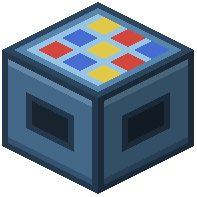 Cart Workstation
Locate and open the Cart Workstation block. This is your voxel editor for building custom trains. You'll see a 3D grid where you can place and remove blocks to sculpt your cart's shape.
Building Your Cart Structure
Add blocks one at a time to create the body, seats, and details of your car. Think about weight distribution and aerodynamics—a wider base provides stability, while a sleek design looks faster. You can build anything from a simple box to an elaborate themed vehicle.
Painting and Customization
After sculpting, paint individual blocks using different colors and materials. Mix steel plating, wood, concrete, and decorative blocks to match your coaster's theme. Add details like windows, bumpers, or ornamental spikes.
Testing Your Design
Save your cart and place it on a test track section. Ride it to ensure it handles well and looks good from the player's perspective. Adjust the design if needed—remove blocks that clip awkwardly or add weight if the cart feels too light.