
Share Shop Management with Co-Owners
Unlock Co-Owner Permissions
Insert a Gold Block into the Upgrades tab of your 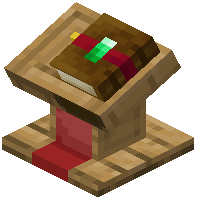 Merchant Counter. This unlocks the co-owner management system, allowing you to grant trusted teammates access to modify trades and manage inventory without giving them full ownership.
Add Co-Owners
Once the Gold Block upgrade is active, open the owner menu and navigate to the co-owner permissions section. Add the usernames of players you want to trust with shop management. They can now edit trades, restock inventory, and adjust upgrades.
Export Settings to Share Across Shops
If you're running multiple shops with similar trades, insert a Bookshelf into the Upgrades tab. This exports your counter's complete configuration—trades, prices, and settings—into a signed book. You can then copy these settings to other counters, saving setup time.
Manage Permissions Carefully
Co-owners have significant control over your shop. Only add players you fully trust, as they can modify prices and drain inventory. Review permissions regularly and remove co-owners who no longer need access.