
Llama Blocks Wiki › Guides › Password Protection Basics
Password Protection Basics
Securing Your Storage
Protect your valuables using the mod's password system. Place a 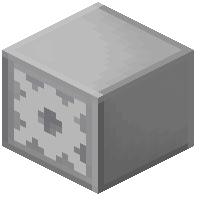 Secure Storage block to create a lockable container with multiple rows of inventory space. Use the
  Password Changer tool to set a custom password on your storage and other lockable blocks.
To access locked blocks, place an 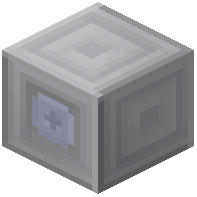 Authenticator block and enter your password. If correct, it sends out a redstone signal, allowing you to open doors or trigger mechanisms. This system lets you keep items safe from other players while maintaining easy access for yourself through your chosen password.
Each locked block remembers its own password, so you can create different security levels throughout your base.