
Making Detailed Terrain with Lithos Textures
Leveraging Enhanced Detail
Lithos' 32x resolution provides richer surface detail than default textures while remaining instantly recognizable. This makes it perfect for creating naturalistic terrain that feels alive without looking out of place.
Building Realistic Landscapes
1. Layer  stone types — Use different stone variants (
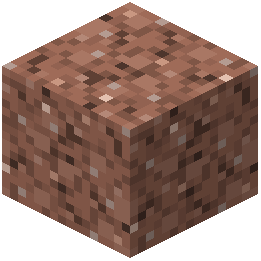 granite,
 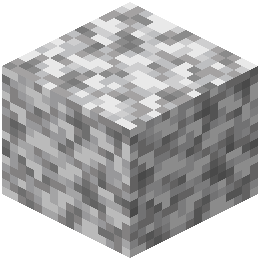 diorite,
 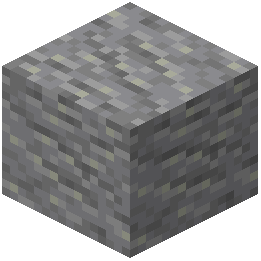 andesite,
 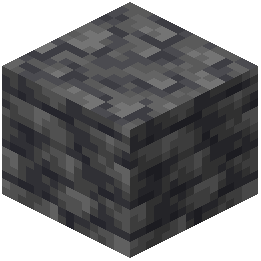 deepslate) to create geological depth and visual interest
2. Add texture variation — Mix in moss, 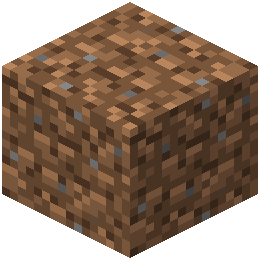 dirt, and grass blocks to break up uniform surfaces
3. Use ore placement strategically — Exposed ore veins now look more detailed and can serve as intentional visual features in cliff faces
4. Blend materials gradually — Transition between different blocks using intermediate types rather than hard edges
5. Incorporate water and vegetation — The enhanced textures make water flow and plant life look more natural alongside detailed stone
Viewing Your Work
Step back periodically to appreciate how the increased detail reads from a distance. Lithos' faithful style means your terrain will look cohesive whether viewed up close or from afar, creating immersive landscapes that feel grounded in reality.