
Making Glass Structures Look Seamless
Creating Continuous 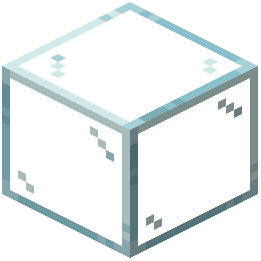 Glass Walls
With Kinda Connected Glass, glass blocks automatically blend together when placed adjacent to one another, removing the visible borders between them. This creates a seamless, continuous appearance perfect for large windows, greenhouses, and glass buildings.
Steps:
1. Place glass blocks next to each other in any configuration—horizontally, vertically, or in complex shapes
2. The borders between connected blocks will automatically disappear
3. Build your structure as normal; the resource pack handles the visual blending
Handling Standalone Glass
Single, isolated glass blocks will still show their texture without connected borders. This is a limitation of vanilla Minecraft's rendering system. To minimize this effect:
- Avoid placing single glass blocks as decorative elements
- Use glass in groups or connected arrangements whenever possible
- Consider using glass panes or other transparent blocks for isolated transparent elements
- Place glass against walls or other blocks to reduce visibility of the standalone appearance
The seamless effect works best in large windows, glass domes, and connected architectural features where multiple glass blocks form a unified structure.