

 DownloadThe Original Work Resource Pack
Get the files on 9Minecraft
Enable the Pack in Your Game
Once you have the Original Work Resource Pack installed, you need to activate it in your Minecraft world to see the classic textures.
1. From the main menu, select Options (or Settings)
2. Navigate to Resource Packs
3. Look for "Original Work Resource Pack" in the Available list on the left
4. Click the  arrow button to move it to the Selected list on the right
5. The pack will now be active
6. Close the menu and load your world
Verify the Changes
Once enabled, load into your world and check a few key areas to confirm the pack is working:
- Look at
 stone blocks and
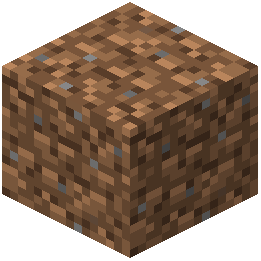 dirt — they should have the classic pre-1.14 pixel art style
- Check any copper blocks or raw ore you have — these should now match the retro aesthetic
- Visit a village to see if villagers and buildings display the older textures
- Explore the Nether to see the classic pixelated appearance
If textures still look modern, try closing and reopening your world. Resource packs sometimes require a full reload to display correctly.