
Sops 8X Pvp Bare Bones Texture Pack Resource Pack FAQ
16 questions players actually ask, answered.
How do I activate this 8x8 Bare Bones resource pack in Minecraft?
Open Options from the main screen or pause menu, enter Resource Packs, and click the arrow on the pack in the Available column to move it into Selected. Click Done so Minecraft reloads its block and item textures, then load into a world to see the flat, colorful 8x8 style immediately.
Why does switching to 8x8 textures improve FPS on low-end PCs?
Shrinking textures down to 8x8 resolution reduces texture memory usage in VRAM and lowers the rendering load across blocks and items on screen. On older graphics cards or integrated laptops, that smaller footprint helps smooth out frame drops during busy fights, fast chunk loading, and crowded multiplayer hubs.
What does the Bare Bones style actually change across my world?
The pack restyles Minecraft with the flat, colorful look inspired by the official trailers, smoothing out noisy pixel grain across blocks and items. Everything from 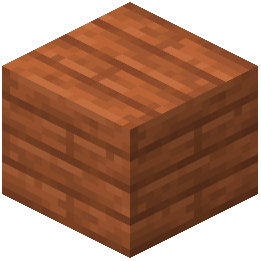 Acacia Planks, Birch Planks, and
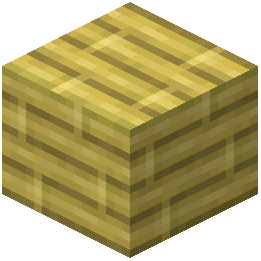 Bamboo Planks to
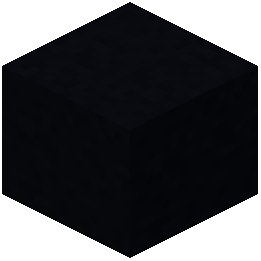 Black Concrete,
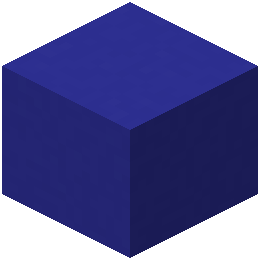 Blue Concrete, Andesite, and Blackstone gains cleaner solid colors while staying easy to recognize.
Acacia Planks, Birch Planks, and Bamboo Planks to Black Concrete, Blue Concrete, Andesite, and Blackstone gains cleaner solid colors while staying easy to recognize.How do cleaner 8x8 textures help during fast PvP fights?
Removing noisy surface detail creates sharper sightlines across terrain and makes players, projectiles like Arrow stacks, and key terrain edges easier to track during quick trades. Combined with higher frame rates from lower rendering load, you can react faster to strafes and opponent movement without visual clutter getting in the way.
Does this resource pack make ores and mineral blocks easier to spot underground?
Yes, cleaner flat textures reduce background noise on stone and cave blocks so ores and mineral landmarks stand out more sharply while mining. Even compact storage or landmark blocks such as 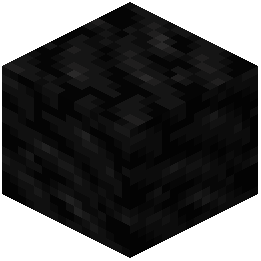 Block of Coal, Block of Iron, Block of Gold,
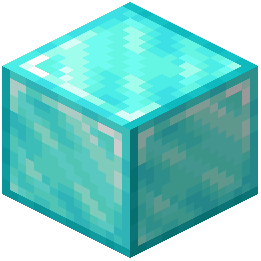 Block of Diamond,
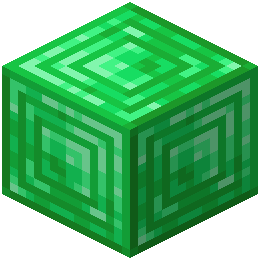 Block of Emerald, and
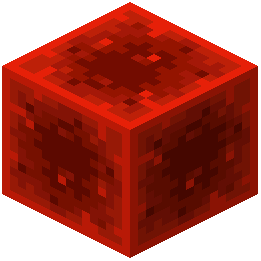 Block of Redstone read cleanly at a glance.
Block of Coal, Block of Iron, Block of Gold, Block of Diamond, Block of Emerald, and Block of Redstone read cleanly at a glance.Which parts of the game are covered by the pack's textures?
The pack covers textures across both the block and item folders, including building woods, dyed concrete, wool, 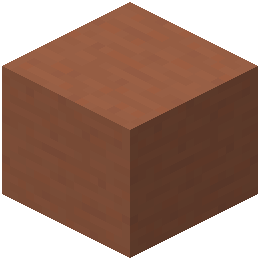 terracotta, stained glass, storage blocks, food, utility items, and mineral blocks. Anything outside those block and item textures, such as custom skyboxes, HUD layouts, or entity skins, remains vanilla unless you layer another pack with it.
Can I combine this pack with a separate HUD, sky, or entity resource pack?
Yes, open Options and Resource Packs, move both packs into the Selected column, and order them carefully with the up and down arrows. Place this 8x8 pack above general terrain packs so its flat block and item art stays intact, while keeping dedicated HUD, sky, or entity packs stacked cleanly alongside it.
Why do some blocks still show vanilla textures after I enable the pack?
The most common cause is another texture pack sitting higher in the Selected column inside the Resource Packs menu and overwriting the 8x8 block or item files. Move this pack to the top of your Selected list and click Done to reload, then verify that common blocks like 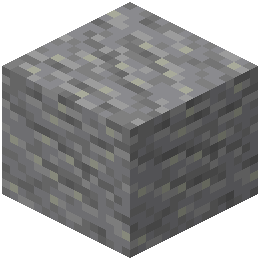 Andesite and
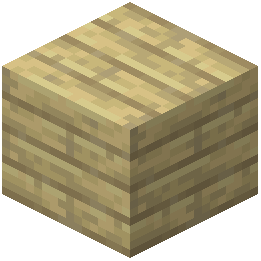 Birch Planks update properly.
Andesite and Birch Planks update properly.What Video Settings pair best with this pack for extra FPS on a low-end PC?
After enabling the 8x8 textures to cut VRAM and rendering load, open Video Settings and lower your render distance, smooth lighting, particles, and graphics preset until frame pacing feels steady. Keeping those settings balanced alongside the lightweight textures gives low-end PCs smoother frame rates without sacrificing the clean, readable look of the pack.
How can I avoid confusing simplified 8x8 items in my hotbar during combat?
Because 8x8 icons simplify fine vanilla shading, items with similar shapes or colors, such as Book and  Book and Quill, Blaze Rod and
 Blaze Powder, or Apple and Beetroot, can look close at first glance. Keep combat staples like Arrow stacks,
 Baked Potato, and
 Bottle o' Enchanting in fixed hotbar slots so muscle memory backs up your sightlines.
Book and Quill, Blaze Rod and Blaze Powder, or Apple and Beetroot, can look close at first glance. Keep combat staples like Arrow stacks, Baked Potato, and Bottle o' Enchanting in fixed hotbar slots so muscle memory backs up your sightlines.What blocks look best for colorful trailer-style builds with this pack?
Flat, smooth shading makes bright palettes pop, especially when you pair Acacia Planks, Birch Planks, and Bamboo Planks with Black Concrete, Blue Concrete, Black Wool, Blue Wool, and 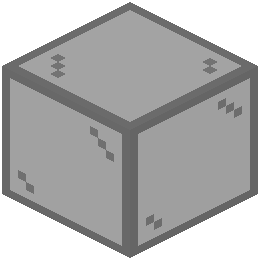 Black Stained Glass or
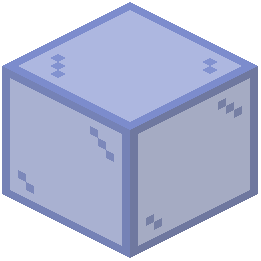 Blue Stained Glass. Adding trim from Acacia Shelf, Birch Shelf, Bamboo Shelf, and
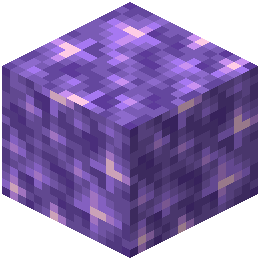 Block of Amethyst keeps walls crisp without visual clutter.
Black Concrete, Blue Concrete, Black Wool, Blue Wool, and Black Stained Glass or Blue Stained Glass. Adding trim from Acacia Shelf, Birch Shelf, Bamboo Shelf, and Block of Amethyst keeps walls crisp without visual clutter.How should I organize storage rooms so flat 8x8 containers stay easy to read?
Use strong color contrast rather than fine block detail by alternating  Black Shulker Box and Blue Shulker Box rows against solid concrete or wool backdrops. Label aisles with
 Acacia Hanging Sign,
 Birch Hanging Sign, or
 Bamboo Hanging Sign markers, and separate utility stations like Anvil, Bookshelf, and Beacon so every station reads clearly.
Black Shulker Box and Blue Shulker Box rows against solid concrete or wool backdrops. Label aisles with Acacia Hanging Sign, Birch Hanging Sign, or Bamboo Hanging Sign markers, and separate utility stations like Anvil, Bookshelf, and Beacon so every station reads clearly.Can I use this 8x8 resource pack with shaders?
Yes, you can run the pack alongside shaders by launching Minecraft with a shader loader such as Iris or OptiFine and selecting a shader pack in Video Settings. Keep in mind that heavy shaders can offset the FPS gain from 8x8 textures on low-end PCs, so test lightweight shader presets if smooth combat performance is your priority.
Does this resource pack change any gameplay mechanics, hitboxes, or reach in PvP?
No, this is strictly a visual resource pack that repaints block and item textures into an 8x8 Bare Bones style without touching gameplay logic. Weapon damage, block hardness, hitboxes, movement speed, and crafting mechanics stay identical to vanilla Minecraft, making the PvP advantage purely about cleaner visibility and smoother frame rates.
Can I use this pack on multiplayer PvP servers without installing anything on the server?
Yes, resource packs run entirely on your client through Options and Resource Packs, so servers do not need anything installed for you to see the 8x8 textures. Other players will still see their own chosen textures, and you can switch the pack on or off between matches whenever you like.
Why do large walls of the same block look flatter than in vanilla Minecraft?
That flat, smooth look is intentional and comes from combining the Bare Bones trailer art style with compact 8x8 textures that strip away noisy pixels. If a big build feels too uniform, break up flat walls by mixing contrasting blocks like 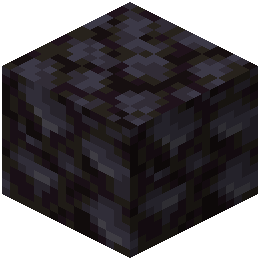 Blackstone, Andesite,
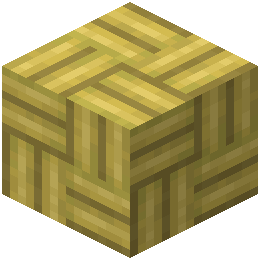 Bamboo Mosaic, Blue Ice, or
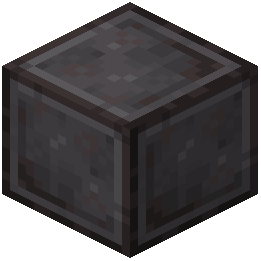 Block of Netherite trim for depth.
Blackstone, Andesite, Bamboo Mosaic, Blue Ice, or Block of Netherite trim for depth.