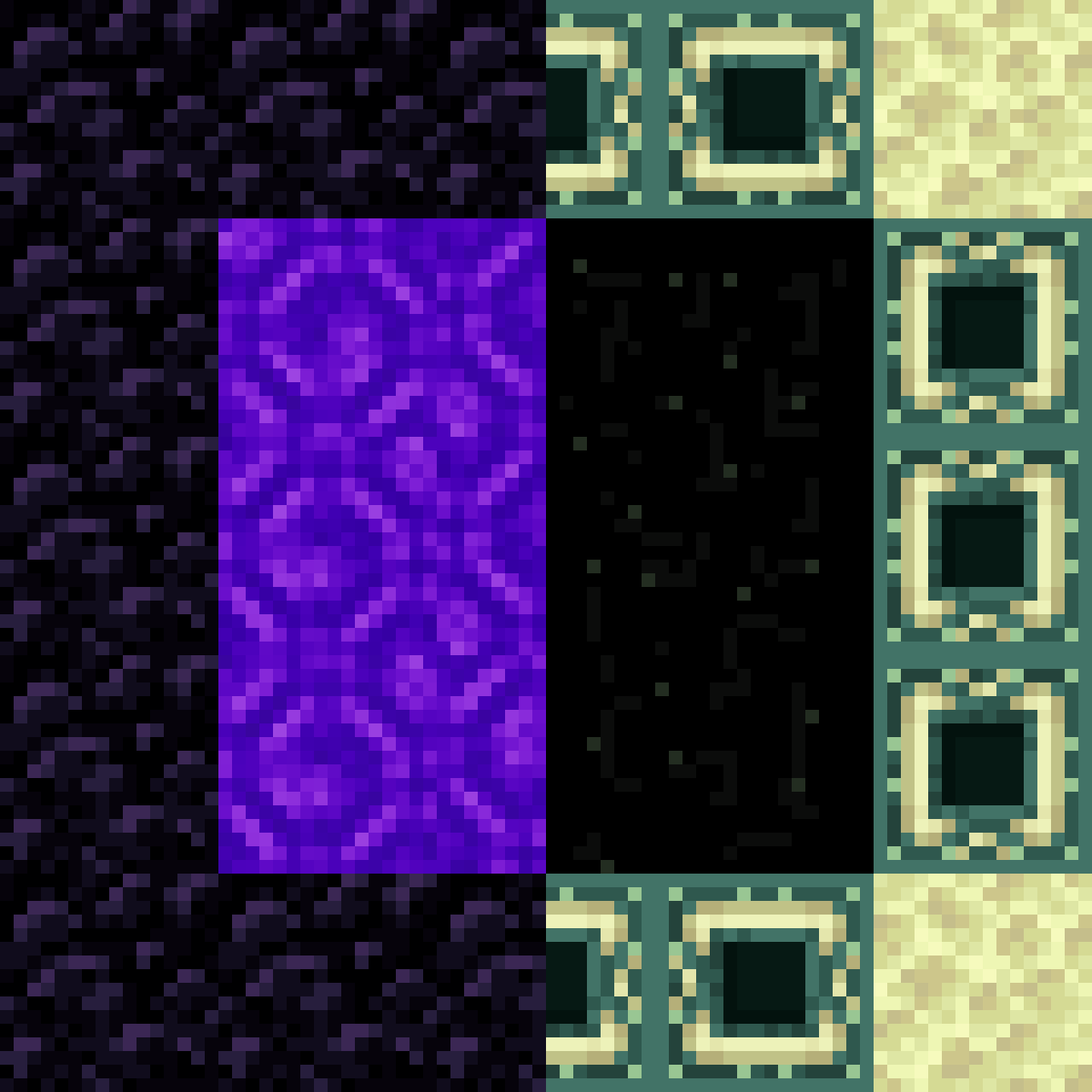
DownloadGlowy Nether Portals Resource Pack
Get the files on 9Minecraft
Contents (3)
Creating Portals with Commands
You can generate Nether portals using fill commands or other command-block techniques. This resource pack automatically applies the glowing border to any portal created this way, whether it's a standard size or a custom dimension.
Applying the Glow to Command Portals
1. Use the fill command or setblock command to create your portal frame with obsidian blocks
2. Light the portal with flint and steel or fire as you normally would
3. The glowing border will instantly appear around the portal—no additional commands or configuration required
4. The effect applies to portals of any custom size, from tiny 2×2 frames to massive multi-block designs
Advantages for Command Users
- No need to manually edit portal textures or use separate mods
- The glow effect is consistent across all portals in your world
- Works seamlessly with adventure maps, custom maps, and multiplayer servers
- The vanilla-friendly design means the glow won't interfere with other visual enhancements
More guides for this mod
Maintaining Vanilla Aesthetics While Improving Portal ClarityMaking Nether Portals Visible in Dark AreasTroubleshooting Portal Glow Not Appearing