

The Excalibur Vanilla Backport Support Resource Pack overhauls newly backported utility items and storage blocks from the Pale Garden and Chase the Skies updates so they match a dark, rustic medieval aesthetic. Instead of leaving modern items with bright default textures, you can integrate dyed bundles, harnesses, and resin storage directly into your themed builds and survival loadouts.
Sorting Travel Gear with Dyed Bundles
When exploring or gathering materials across biomes, you can pack mixed stackable items into color-coded storage pouches that fit the weathered Excalibur look.
1. Craft or pull dyed bundles from your inventory, such as the  Black Bundle or
 Blue Bundle.
2. Hover over a  bundle inside your inventory screen and right-click it while holding loose materials like
 Amethyst Shard,
 Armadillo Scute, or Pottery Sherd variants (
 Angler Pottery Sherd,
 Archer Pottery Sherd,
 Arms Up Pottery Sherd, or
 Blade Pottery Sherd) to tuck them inside.
3. Match your bundle color to your mount gear by storing your  Black Harness inside a Black Bundle and your
 Blue Harness inside a Blue Bundle when you are not actively flying a Happy Ghast.
Incorporating Resin and Metal Blocks into a Workstation
To keep your crafting area visually consistent with the base Excalibur pack, combine backported storage blocks with traditional masonry and metalwork.
1. Lay a foundation of dark  stone using
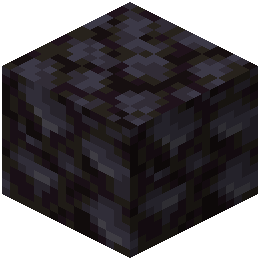 Blackstone and
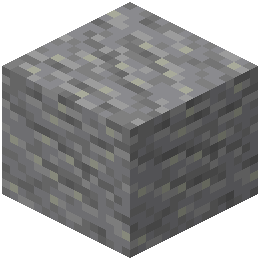 Andesite around an
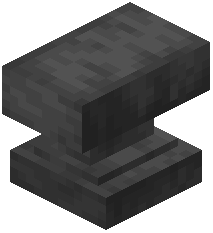 Anvil.
2. Stack 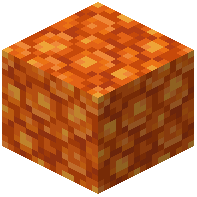 Block of Resin alongside
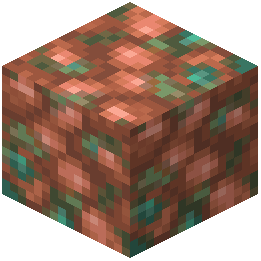 Block of Raw Copper,
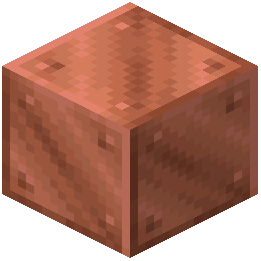 Block of Copper, and
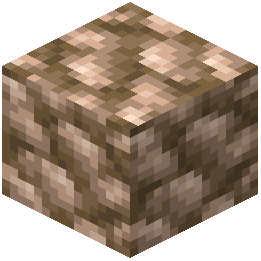 Block of Raw Iron to create a stockpiled resource yard.
3. Add lighting and color accents on top of the stone borders using a  Black Candle or
 Blue Candle paired with
 Black Shulker Box and
 Blue Shulker Box storage chests.