

Selecting Matching Medieval Blocks
With the support pack active, blocks from the Pale Garden update and other backported features are reskinned to blend seamlessly with classic Excalibur timber,  stone, and
 brick builds. You can combine these new elements with traditional blocks without breaking your world's dark, rustic atmosphere.
1. Gather pale wood blocks from the eerie Pale Garden biome to use as weathered framing timber or ghostly interior accents.
2. Craft or pull wooden shelves from your inventory, such as the  Acacia Shelf,
 Birch Shelf, or
 Bamboo Shelf, which are all retextured to match the weathered planks of the base pack.
3. Collect 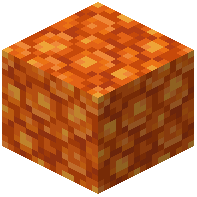 Block of Resin and
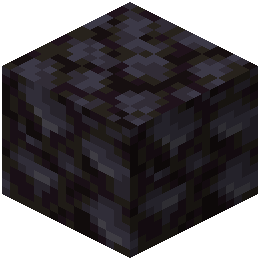 Blackstone or copper blocks to add warm, textured brickwork and ancient stone workstations around the room.
Arranging the Interior
1. Lay down a foundation and walls using dark timber, 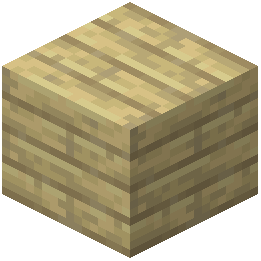 Birch Planks, or
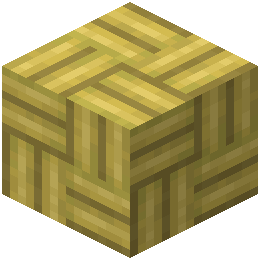 Bamboo Mosaic paired with decorative brick blocks.
2. Mount the Acacia Shelf or Birch Shelf along the interior timber walls at eye level to break up flat plank surfaces and create storage ledges.
3. Place a  Black Candle or
 Blue Candle near your stone workstations and shelves to cast dim, cozy lighting across the weathered textures.
4. Add a 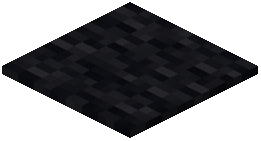 Black Carpet or
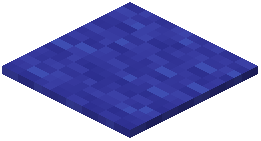 Blue Carpet on the floor and hang a matching
 Birch Hanging Sign or
 Bamboo Hanging Sign by the doorway to complete the medieval room.