
How to Decorate Villages Without Assigning Unwanted Jobs
Building inside a thriving village or trading hall can be frustrating in vanilla Minecraft because common detail blocks—like barrels, composters, and cauldrons—act as job sites and accidentally turn unemployed villagers into fishermen, farmers, or leatherworkers. Settlement Horizons Mod solves this with dedicated non-functional decorative variants.
Using the 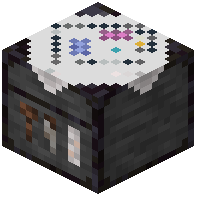 Designer Table
To make these safe building blocks without spending extra resources, use a Designer Table (the workstation associated with the Designer villager profession).
1. Open the Designer Table interface, or trade emeralds directly with a nearby Designer villager.
2. Insert a single raw material to convert it directly into the decorative block you need in one step.
Choosing the Right Decorative Block
Swap out your vanilla utility blocks for these safe alternatives around your town:
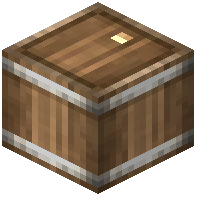 Decoration Barrel: Gives you the exact look of a storage barrel for docks, cellars, and storehouses without turning nearby villagers into Fishermen.
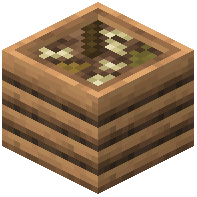 Decoration Composter: Looks like a large wooden planter pre-filled with soil for gardens and window boxes, and will not create unintended Farmers.
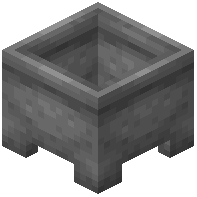 Decoration Cauldron: Still holds water that you can scoop out or refill with buckets, but will never turn a villager into a Leatherworker.
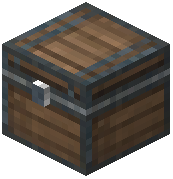 Decoration Chest: Displays a clean single-chest model that cannot be opened, ideal for pure prop clutter.
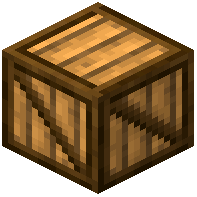 Decoration Box Variants: Provide patterned wooden crate designs that will not play note block sounds when clicked.